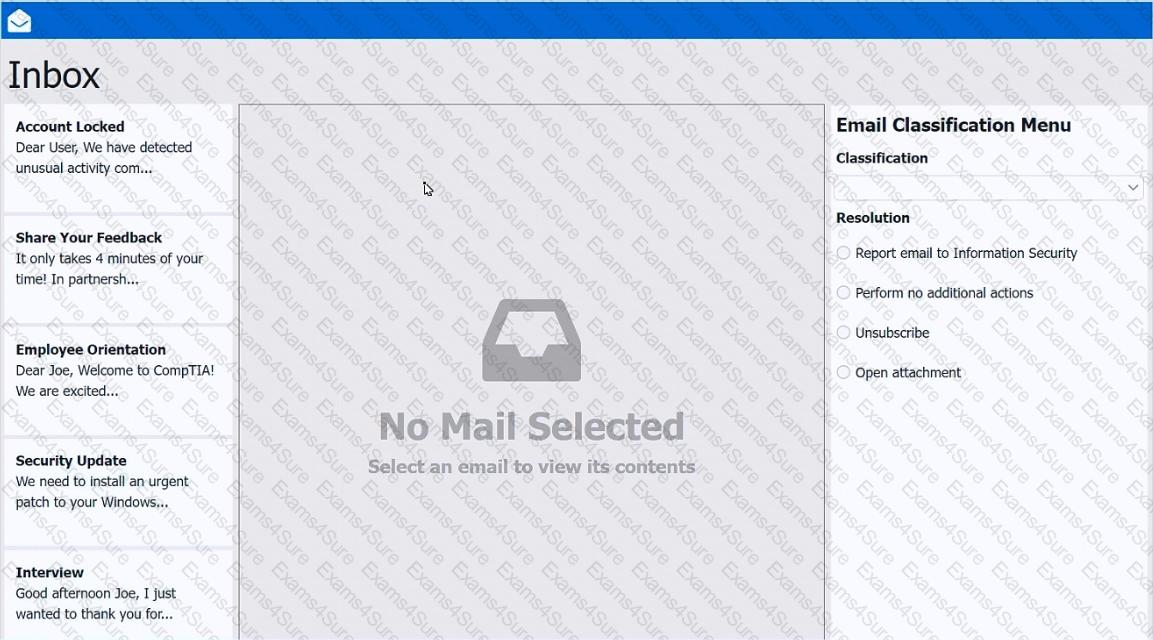
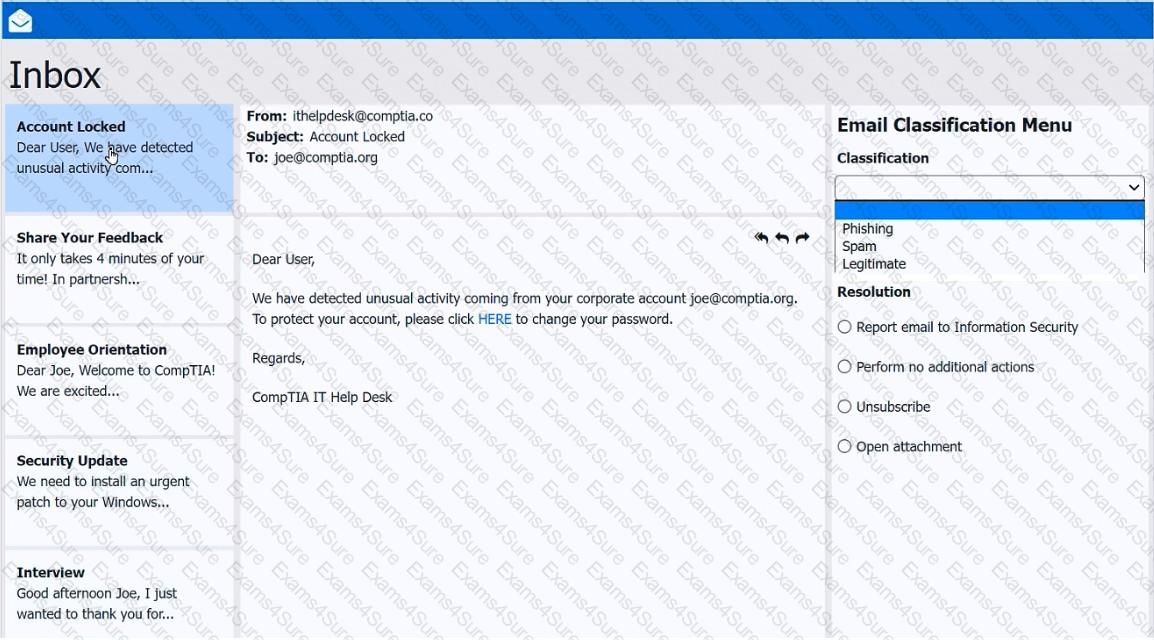
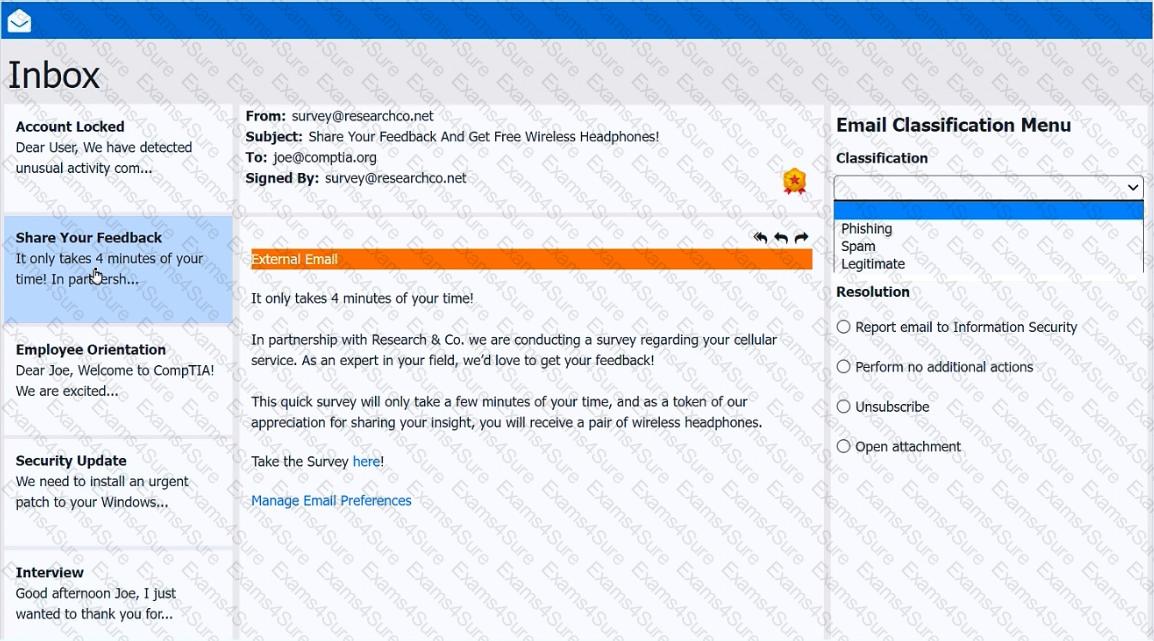
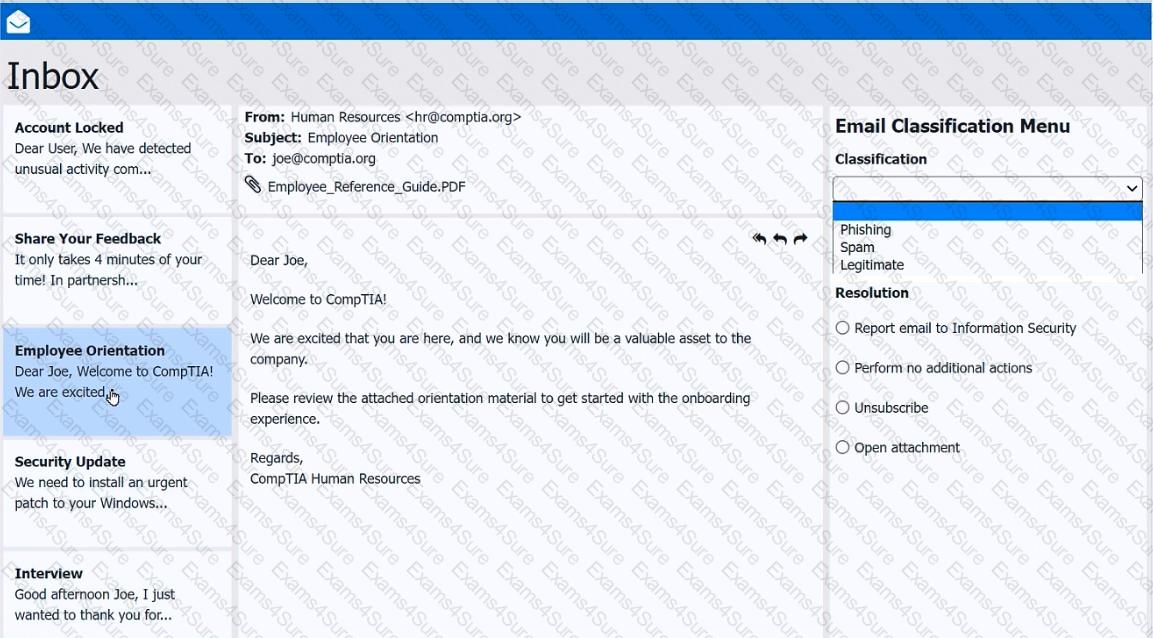
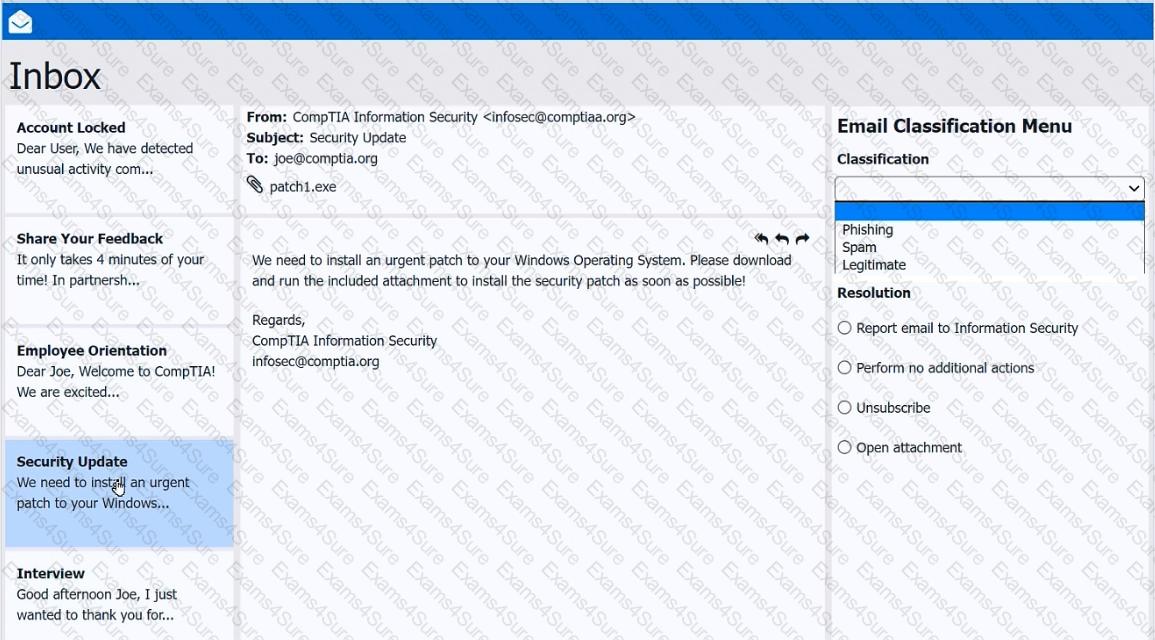
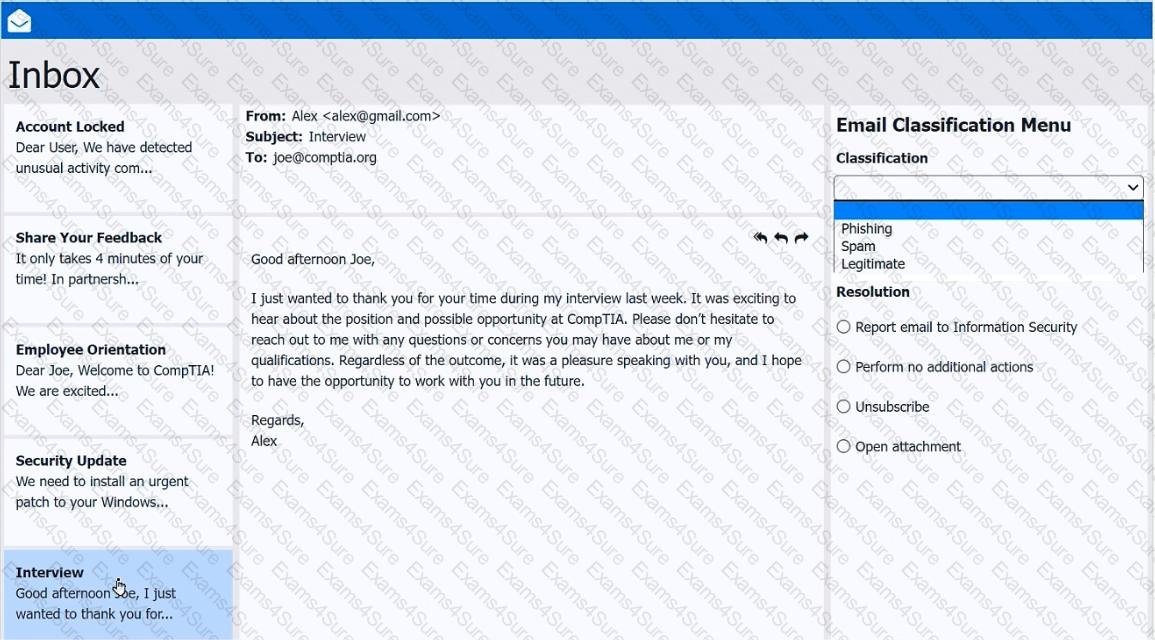
As a corporate technician, you are asked to evaluate several suspect email messages on a client ' s computer. Corporate policy requires the following:
> All phishing attempts must be reported.
> Future spam emails to users must be prevented.
INSTRUCTIONS
Review each email and perform the following within the email:
> Classify the emails
> Identify suspicious items, if applicable, in each email
> Select the appropriate resolution
If at any time you would like to bring back the initial state of the simulation, please click the Reset All button.
Multiple users are reporting audio issues as well as performance issues after downloading unauthorized software. You have been dispatched to identify and resolve any issues on the network using best practice procedures.
INSTRUCTIONS
Quarantine and configure the appropriate device(s) so that the users’ audio issues are resolved using best practice procedures.
Multiple devices may be selected for quarantine.
Click on a host or server to configure services.
If at any time you would like to bring back the initial state of the simulation, please click the Reset All button.
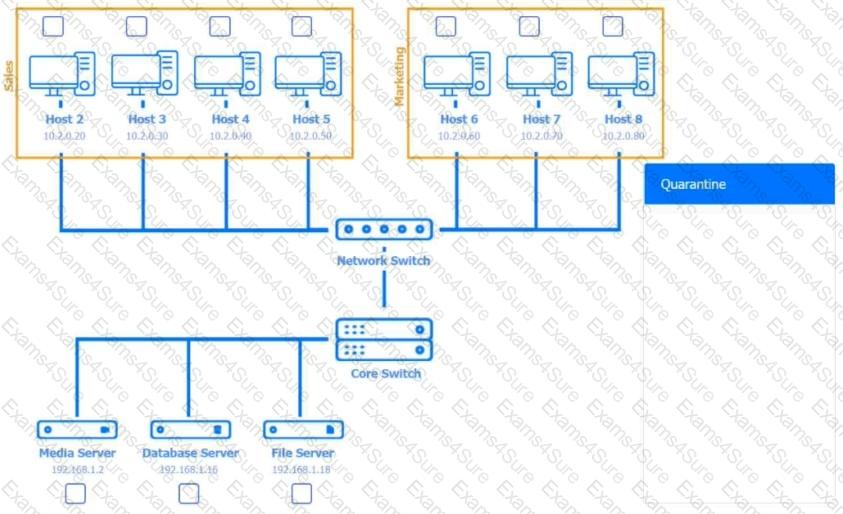










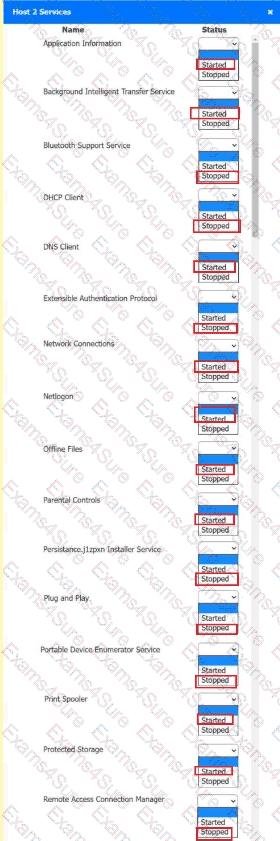 A screenshot of a computer AI-
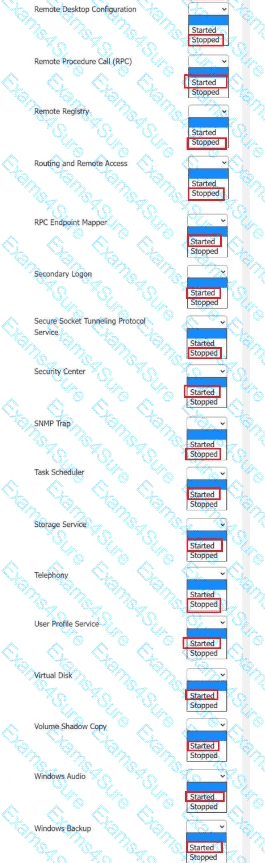 A screenshot of a computer AI-
You have been contacted through the help desk chat application. A user is setting up a replacement SOHO router. Assist the user with setting up the router.
INSTRUCTIONS
Select the most appropriate statement for each response. Click the send button after each response to continue the chat.
If at any time you would like to bring back the initial state of the simulation, please click the Reset All button.
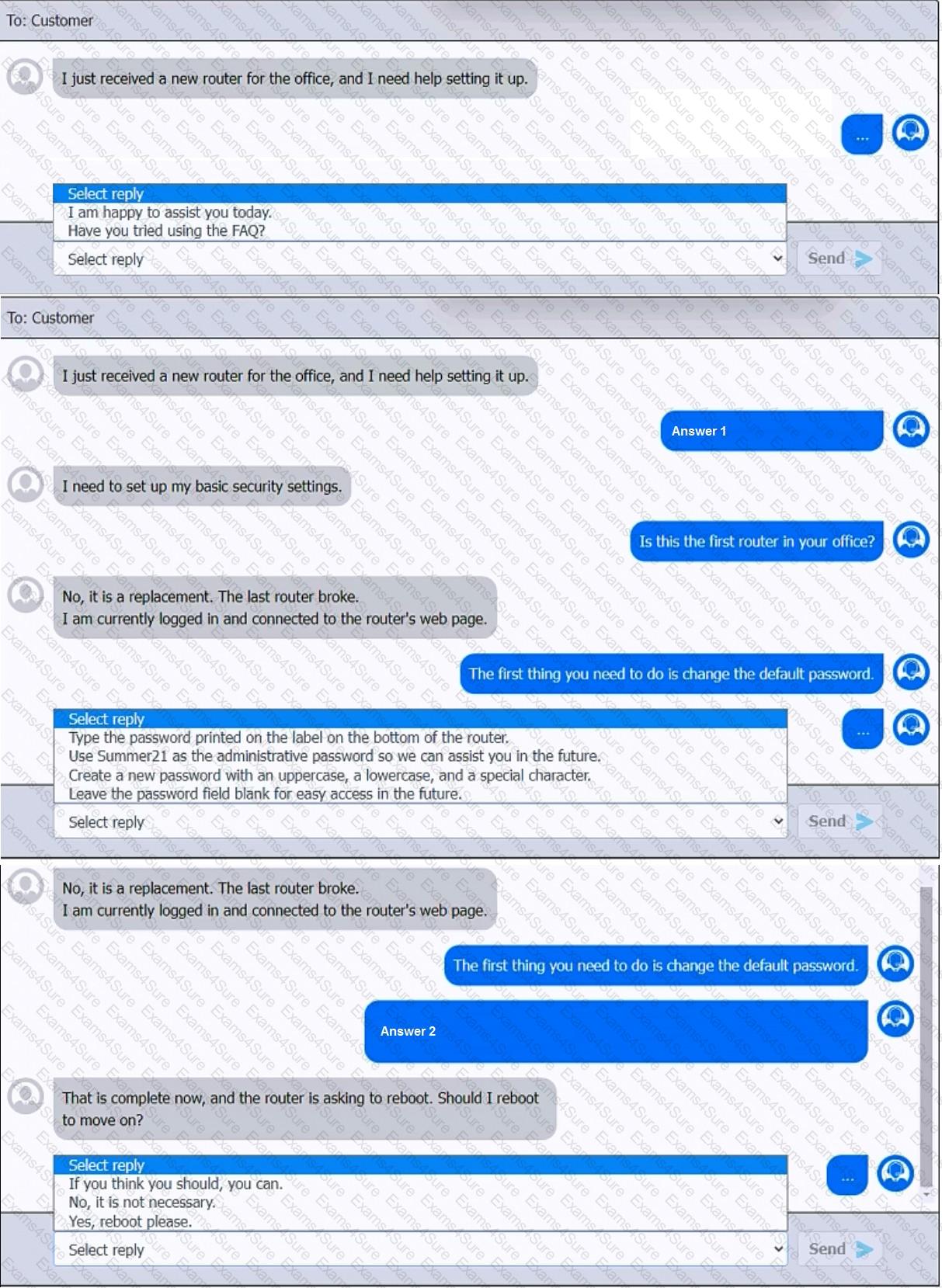
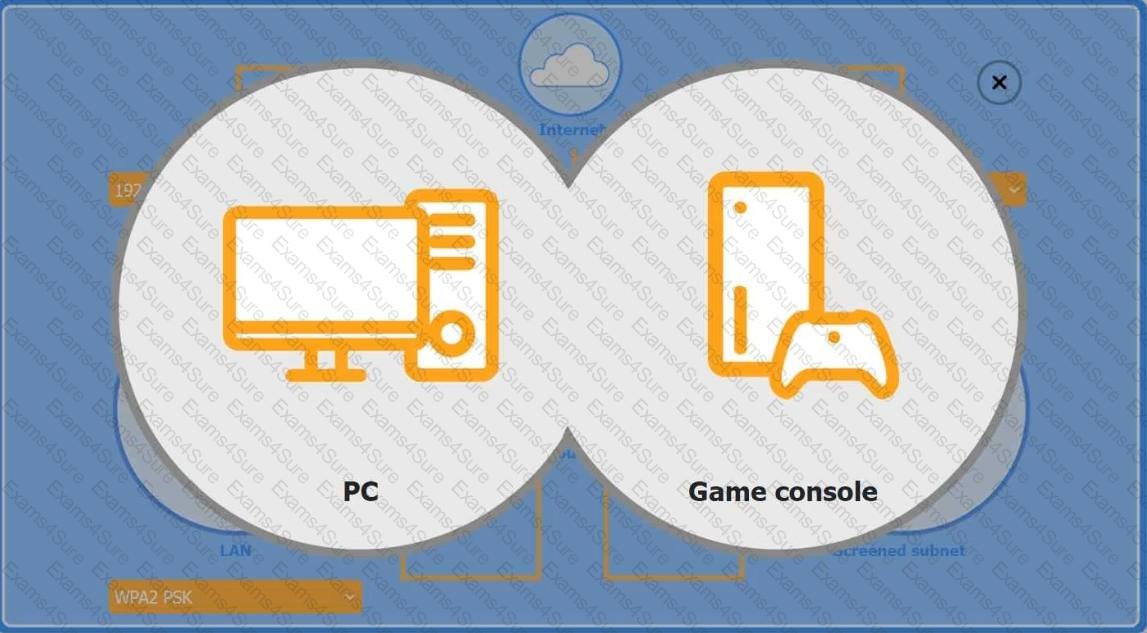
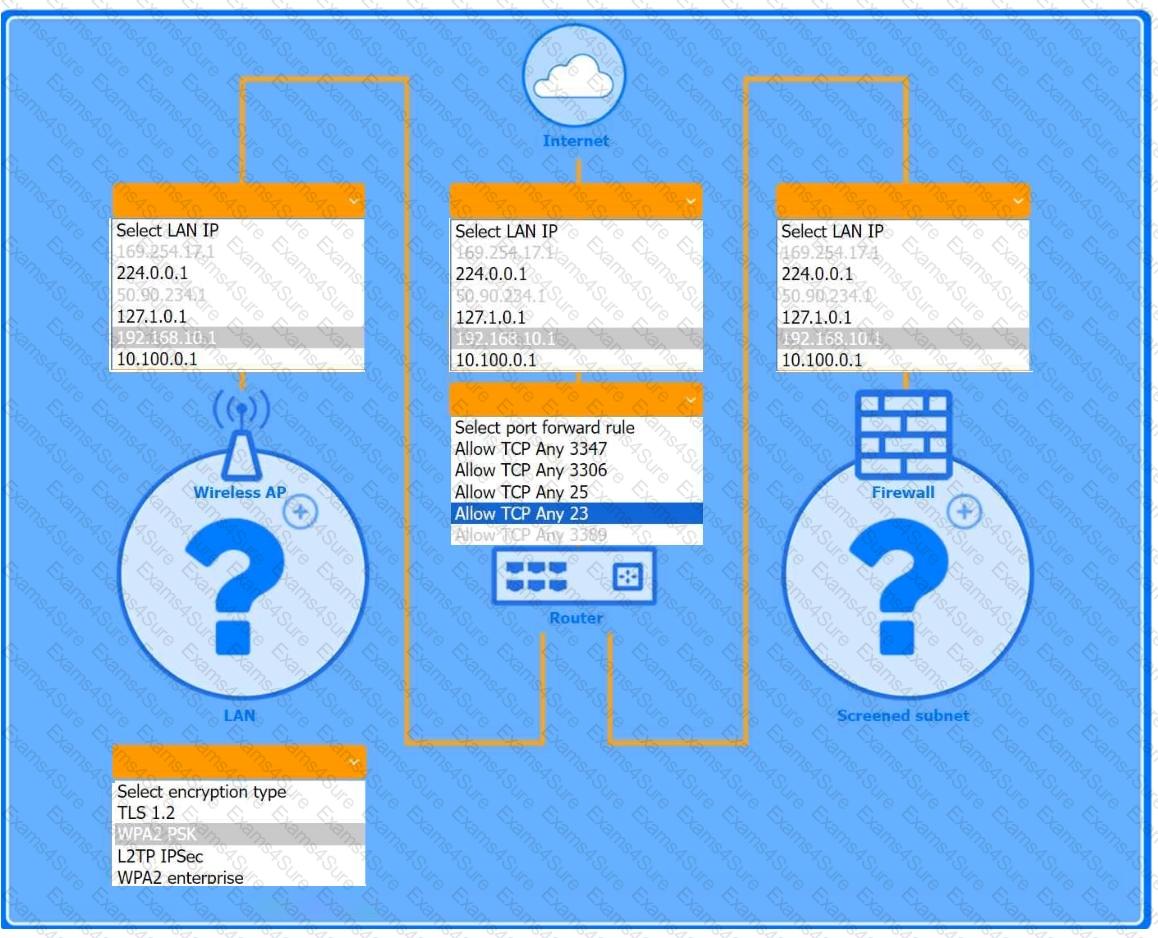
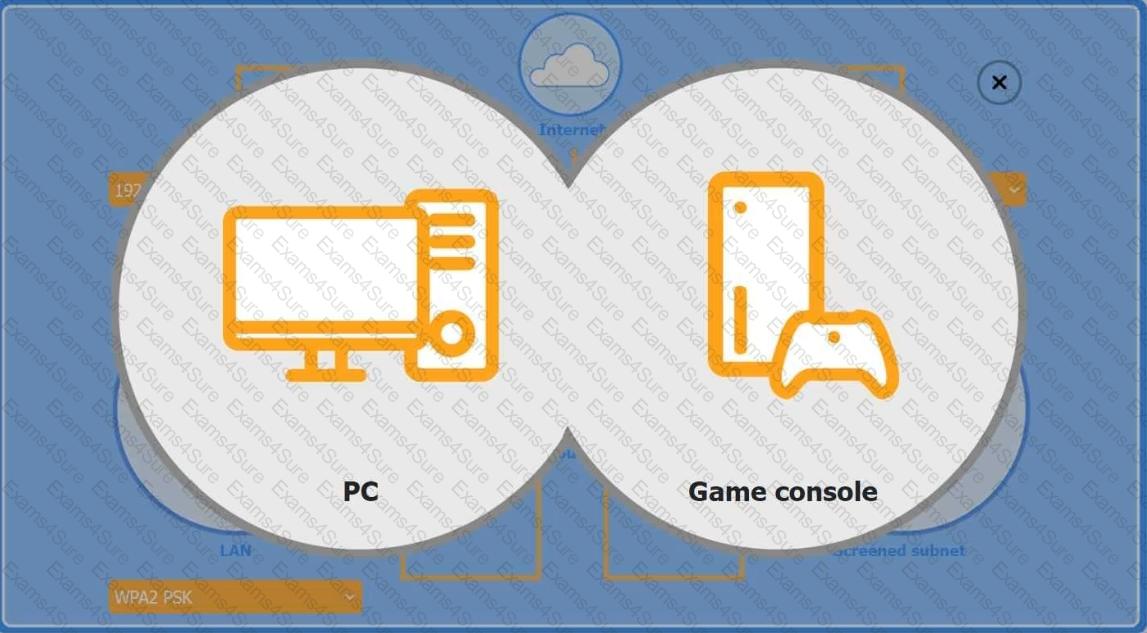
You are configuring a home network for a customer. The customer has requested the ability to access a Windows PC remotely, and needs all chat and optional functions to work in their game console.
INSTRUCTIONS
Use the drop-down menus to complete the network configuration for the customer. Each option may only be used once, and not all options will be used.
Then, click the + sign to place each device in its appropriate location.
If at any time you would like to bring back the initial state of the simulation, please click the Reset All button.
Wireless AP LAN
Firewall Screened Subnet